
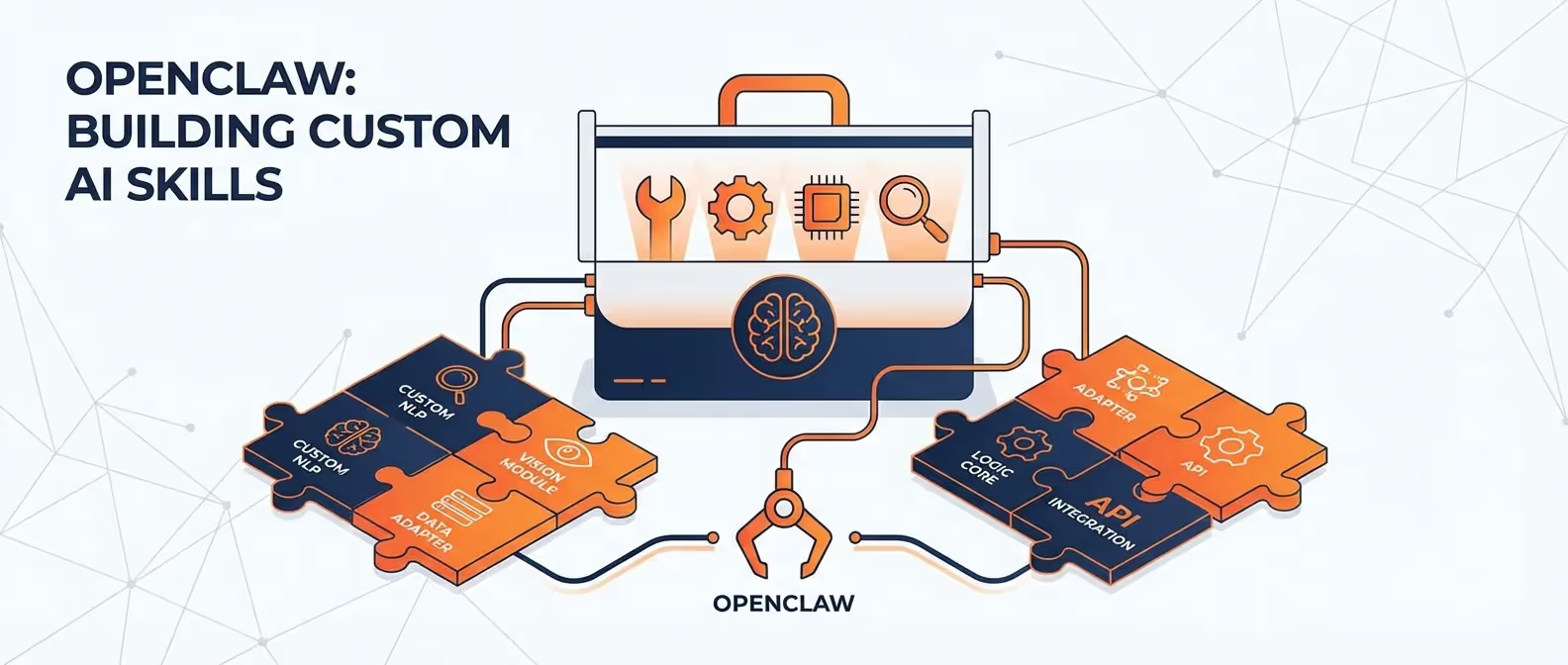
OpenClaw’s real power isn’t just in chatting with an AI — it’s in skills. Skills are structured instruction sets that teach your AI assistant how to perform complex, multi-step tasks. Think of them as textbooks your assistant reads before tackling a job.
In this guide, we’ll build custom skills from scratch, covering everything from basic file operations to advanced multi-tool workflows.
Tools vs. Skills: Understanding the Difference
Before we dive in, let’s clarify the two core concepts:
| Concept | What It Is | Example |
|---|---|---|
| Tools | Core capabilities built into OpenClaw | File access, command execution, web search, browser control |
| Skills | Instructions that teach OpenClaw how to combine tools | ”How to deploy a website”, “How to manage my Obsidian vault” |
Tools are the verbs. Skills are the playbooks.
Skill File Structure
Skills are YAML files stored in your OpenClaw skills directory:
~/.openclaw/skills/
├── daily-standup.yaml
├── code-reviewer.yaml
├── content-writer.yaml
└── deploy-helper.yaml
A basic skill file looks like this:
# ~/.openclaw/skills/example-skill.yaml
name: example-skill
description: "A brief description of what this skill does"
version: 1.0

# Which tools this skill requires
requires:
  - file_access
  - command_execution

# Instructions the AI reads before executing
instructions: |
  When asked to perform [task], follow these steps:
  1. First, do X
  2. Then, do Y
  3. Finally, verify Z
Example 1: Git Commit Summarizer
Let’s build a skill that automatically generates meaningful git commit messages:
# ~/.openclaw/skills/git-commit-helper.yaml
name: git-commit-helper
description: "Analyzes staged changes and generates semantic commit messages"
version: 1.0

requires:
  - command_execution
  - file_access

instructions: |
  When the user asks you to commit their code changes:

  1. Run `git status` to see what files are modified
  2. Run `git diff --staged` to see the actual changes
  3. Analyze the diff and categorize the changes:
     - feat: A new feature
     - fix: A bug fix
     - refactor: Code restructuring
     - docs: Documentation changes
     - style: Formatting, whitespace, etc.
     - test: Adding or modifying tests
     - chore: Build process, dependencies, etc.
  4. Generate a commit message following Conventional Commits format:
     `type(scope): concise description`
  5. Show the proposed message to the user for approval
  6. If approved, execute `git commit -m "the message"`

  Rules:
  - Keep the subject line under 72 characters
  - Use imperative mood ("add" not "added")
  - Reference issue numbers if mentioned by the user
Enable the skill:
openclaw skill enable git-commit-helperNow when you message your bot:
Commit my staged changesOpenClaw will analyze your diff and propose a proper commit message.
Example 2: Code Review Assistant
# ~/.openclaw/skills/code-reviewer.yaml
name: code-reviewer
description: "Reviews code files for bugs, security issues, and best practices"
version: 1.0

requires:
  - file_access

instructions: |
  When asked to review code, follow this structured approach:

  1. Read the file(s) the user specifies
  2. Perform analysis across these dimensions:

  ## Security Review
  - SQL injection vulnerabilities
  - XSS attack vectors
  - Hardcoded secrets or API keys
  - Insecure dependencies

  ## Performance Review
  - Unnecessary re-renders (React/frontend)
  - N+1 queries (backend)
  - Missing memoization
  - Large bundle imports

  ## Code Quality
  - Dead code
  - Duplicated logic
  - Missing error handling
  - Unclear variable names

  ## Best Practices
  - TypeScript type safety
  - Proper async/await usage
  - Consistent code style
  - Adequate comments for complex logic

  3. Format your review as a structured report with:
     - 🔴 Critical issues (must fix)
     - 🟡 Warnings (should fix)
     - 🟢 Suggestions (nice to have)
     - ✅ What's done well

  4. For each issue, provide:
     - The line number or code snippet
     - Why it's a problem
     - A concrete fix
Example 3: Daily Standup Reporter
# ~/.openclaw/skills/daily-standup.yaml
name: daily-standup
description: "Generates a daily standup report from git activity and project files"
version: 1.0

requires:
  - command_execution
  - file_access
  - web_search

trigger:
  type: cron
  schedule: "0 8 * * 1-5"  # Weekdays at 8 AM

channel: telegram

instructions: |
  Generate a daily standup report by:

  1. Run `git log --oneline --since="yesterday" --author="$(git config user.name)"`
     in each project directory listed below:
     - ~/projects/main-app
     - ~/projects/api-service

  2. Read any TODO.md or TASKS.md files in those directories

  3. Compile a standup report in this format:

  📋 **Daily Standup — [Today's Date]**

  **✅ What I did yesterday:**
  - [List commits and completed tasks]

  **🔨 What I'm working on today:**
  - [List pending tasks from TODO files]

  **🚧 Blockers:**
  - [Any errors from recent git operations or failed builds]

  4. Send this report to the configured channel
Example 4: Content Writer with SEO
# ~/.openclaw/skills/seo-content-writer.yaml
name: seo-content-writer
description: "Writes SEO-optimized blog content with proper heading structure"
version: 1.0

requires:
  - web_search
  - file_access

instructions: |
  When asked to write content:

  1. Research the topic using web_search to find:
     - Current trending keywords
     - Competitor content structure
     - Recent statistics and data points

  2. Create content with this SEO structure:
     - Title tag: Under 60 characters, keyword at the front
     - Meta description: 150-160 characters, includes CTA
     - H1: One per page, matches search intent
     - H2s: 4-8 subheadings with keyword variations
     - H3s: Supporting points under each H2

  3. Writing rules:
     - Opening paragraph: Hook + keyword within first 100 words
     - Paragraphs: Max 3 sentences each
     - Include numbered lists and bullet points
     - Add internal link suggestions using [link text](/path)
     - End with a clear CTA

  4. Save as Markdown to the specified filepath

  5. Generate a YAML frontmatter block with:
     - title, description, keywords, author, date
Managing Skills
List All Skills
openclaw skill list┌──────────────────────┬─────────┬──────────┐
│ Skill │ Version │ Status │
├──────────────────────┼─────────┼──────────┤
│ git-commit-helper │ 1.0 │ enabled │
│ code-reviewer │ 1.0 │ enabled │
│ daily-standup │ 1.0 │ enabled │
│ seo-content-writer │ 1.0 │ disabled │
└──────────────────────┴─────────┴──────────┘Enable / Disable
openclaw skill enable seo-content-writer
openclaw skill disable daily-standup
Test a Skill
openclaw skill test code-reviewer --input "Review the file at ~/projects/app/src/index.ts"Reload Skills Without Restart
openclaw skill reloadAdvanced: Skill Chaining
Skills can reference other skills for complex workflows:
# ~/.openclaw/skills/deploy-pipeline.yaml
name: deploy-pipeline
description: "Full deployment pipeline: review, test, build, deploy"
version: 1.0

requires:
  - command_execution
  - file_access

chain:
  - skill: code-reviewer
    input: "Review all changed files in the current branch"
  - skill: git-commit-helper
    input: "Commit the reviewed changes"

instructions: |
  After the chained skills complete:

  1. Run the test suite: `npm test`
  2. If tests pass, build: `npm run build`
  3. Deploy: `npm run deploy`
  4. Report the deployment status back to the user
Conclusion
Custom skills transform OpenClaw from a simple chatbot into a specialized, context-aware automation engine. Start with simple skills, iterate based on real usage, and gradually build a library of workflows that save you hours every week.
Need a custom AI workflow built for your team? Let’s talk — we design bespoke OpenClaw skill sets for development teams and agencies.