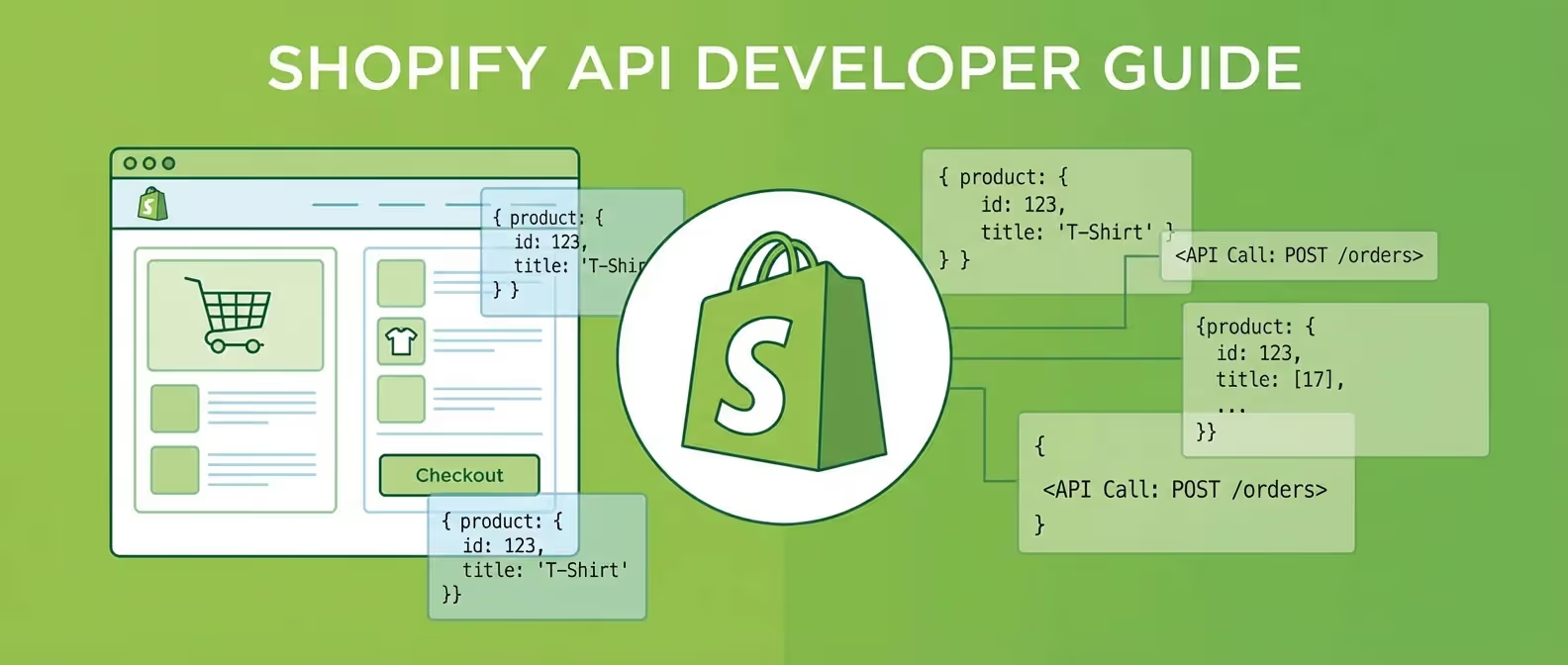
In 2026, the distinction between “Online” and “In-Person” commerce has completely evaporated. Modern retailers are leveraging what we call the Shopify Pro Sale API (infrastructure for POS Pro) and the Online Sale API (infrastructure for web stores) to create a unified, omnichannel experience.
Whether you’re building a headless storefront or integrating high-performance retail hardware, understanding the technical plumbing of these systems is critical for success.
1. Getting Started: The Infrastructure
Before diving into the code, you need a high-performance environment. Shopify has updated its partner ecosystem for 2026, requiring more robust authentication and specialized store types for POS Pro testing.
Step 1: Create your development engine. If you haven’t already, sign up for a professional Shopify account. Using a Shopify Partner Account via this link ensures you have access to the latest development tools and the 2026 API beta features.
2. Setting Up the “Online Sale API” (Storefront & Admin GraphQL)
The “Online Sale API” isn’t a single endpoint—it’s the orchestration of the Shopify Storefront API and the Admin GraphQL API. In 2026, REST is officially legacy; GraphQL is the only way to achieve the sub-100ms response times required for modern commerce.
Technical Implementation:
To initiate a sale programmatically, you’ll use the checkoutCreate or the newer cartCreate mutations.
mutation cartCreate($input: CartInput) {
  cartCreate(input: $input) {
    cart {
      id
      checkoutUrl
      lines(first: 5) {
        edges {
          node {
            id
            quantity
          }
        }
      }
    }
  }
}
Setup Steps:
- Create a Custom App: Navigate to your Shopify Dev Dashboard.
- Configure Scopes: For online sales, you need
unauthenticated_read_product_listingsandunauthenticated_write_checkouts. - Generate Access Tokens: Use the 2026-standard Client Credentials Grant flow for maximum security.
3. Setting Up the “Pro Sale API” (Shopify POS Pro Implementation)
The “Pro Sale API” refers to the specialized logic required for Shopify POS Pro—the enterprise-grade retail system. This involves managing location-based inventory, staff permissions, and specialized hardware integrations.
Key API Considerations for POS Pro:
- Location Context: Every transaction must be mapped to a specific
locationId. - Fulfillment Orders: POS Pro sales often involve “Buy Online, Pick Up In Store” (BOPIS). Use the
fulfillmentOrdersobject to manage these transitions.
query getInventoryAtLocation($locationId: ID!) {
  location(id: $locationId) {
    name
    inventoryLevels(first: 10) {
      edges {
        node {
          quantities(names: ["available"]) {
            quantity
          }
        }
      }
    }
  }
}
4. Step-by-Step Configuration Guide
Follow these steps to deploy a unified API architecture:
Step 1: Initialize Your Environment
Head over to Shopify and spin up a new store with POS Pro enabled. This gives you the full suite of omnichannel APIs to work with.
Step 2: Configure Webhooks for 2026
In 2026, order processing is event-driven. Subscribe to orders/create and orders/paid to sync your POS and Online data in real-time. Use Shopify’s built-in EventBridge integration for reliable scaling.
Step 3: Implement Global Checkout
Use the Storefront API to create a “Global Checkout” that works across your web app, mobile app, and even custom retail kiosks.
Why “DIY” Might Be Costing You Sales
Setting up the “Online Sale” and “Pro Sale” APIs correctly is only 20% of the battle. The remaining 80% is optimization, security, and ensuring your site converts at a lethal rate.
If you’re finding the technical requirements of the 2026 Shopify ecosystem overwhelming, we’re here to help.
Our Specialized Shopify Services:
- Full-Stack Shopify Development: We build high-performance headless stores that break speed records.
- Omnichannel Strategy: We sync your POS Pro and Online data for a seamless customer journey.
- Conversion Optimization: We design stores that don’t just look good—they dominate the market.
Ready to scale your commerce empire? Contact our execution team today.
Strategy Summary for 2026:
- GraphQL or Nothing: Abandon REST. The efficiency gains in 2026 are too large to ignore.
- Omnichannel is Standard: Use the POS Pro features to bridge the gap between physical and digital.
- Event-Driven Architecture: Use webhooks to keep your inventory and sales data in perfect sync.
- Start with the Right Foundation: Use the official Partner portal to ensure your store is set up for modern growth.