
Here is the honest state of AI content generation in 2026: the best model changes roughly every six weeks, and the tools that win are the ones that stop making you care.
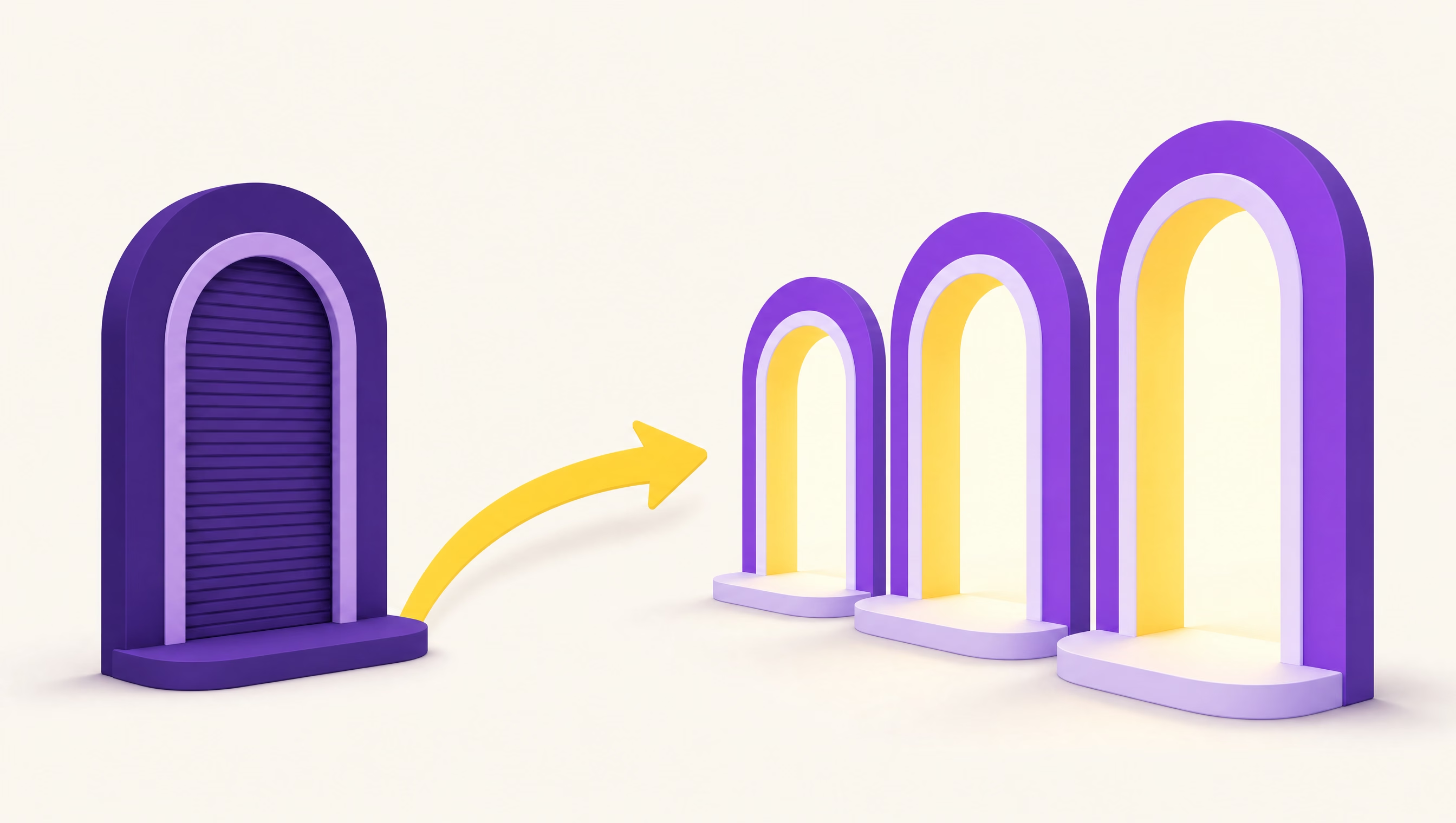
ByteDance’s Seedance 2.0 took the top of the quality benchmarks in February. Google’s Veo 3.1 owns synchronized dialogue. Kling 3.0 is the only model shipping native 4K, at about a tenth the cost per second that Sora charged before OpenAI killed it. Anyone who committed to a single vendor in January has bet wrong at least twice since.
We run a web design and SEO studio and produce visual content for client sites every week, so this is a working list rather than an affiliate roundup of things we read about. Where we have first-hand production experience we say so. Where we do not, we say that too.
Some links below are affiliate links. We earn a commission at no cost to you. It has not changed the order, and we have kept the criticism in.
Quick Answers
| You need | Use |
|---|---|
| Everything, one subscription | Higgsfield |
| Artistic, stylised stills | Midjourney |
| Dialogue and synced audio | Google Veo 3.1 |
| 4K video on a budget | Kling 3.0 |
| Legally safe commercial imagery | Adobe Firefly |
| Timeline editing, not just clips | Runway |
| Zero learning curve | Canva Magic Studio |
| Text inside an image | GPT Image 2 |
| Voiceover | ElevenLabs |
1. Higgsfield: Best Overall
Roughly $99 to $129 per month for the useful tier. Free tier available.
Higgsfield wins this list for a structural reason rather than a quality one: it is not a model, it is about fifty models behind one login and one credit balance.
Video: Seedance 2.0 and 2.5, Veo 3.1, Kling 3.0, Wan 3.0, Grok Video 1.5, MiniMax H3, FLUX 3 Video. Images: Nano Banana Pro, GPT Image 2, Seedream 5, FLUX.2, Recraft, plus its own Soul 2.0 line. When the leaderboard moves, you change a dropdown instead of a subscription.
What it is genuinely best at. Character consistency is the standout. Soul ID trains a reusable identity from a handful of photos and holds the same face across stills, storyboards and video, which is the difference between a brand character and a novelty. Marketing Studio takes a product URL and generates 12 to 15 second ad videos with selectable hooks and settings. Cinema Studio 3.0 does stacked camera moves up to 4K.
What we use it for. Every illustration on this site, our portfolio mockups, and our social share cards. We drive it through its API from our own build scripts, which is not something most tools on this list allow.
The catches. Top-up credits expire after 90 days and plan credits do not roll over. Monthly billing costs 20% to 23% more than annual. And you pay an aggregator margin, so if you will only ever use one model, going direct is cheaper.
Skip it if you generate a handful of images a month. This is a professional tool at a professional price.
Full breakdown in our Higgsfield review.
2. Midjourney: Best for Artistic Stills
$10, $30, $60 or $120 per month.
Still the best pure aesthetic in the category. Nothing else produces that particular painterly, over-designed look as reliably, and for concept art, album covers, editorial illustration and mood boards it remains first choice.
The catches. Images only, so you need a second tool for video. Prompt control is looser than the newer instruction-following models, which is charming for art and infuriating for “put the product on the left.” Commercial licensing depends on your tier.
Skip it if you need precision, text in your images, or video.
3. Google Veo 3.1: Best for Dialogue
Via Google AI subscriptions, or from about $0.15 per second in fast mode through APIs and aggregators.
Veo 3.1 is the model to reach for when a person needs to talk. Its 48kHz synchronized speech generation is ahead of the field, and its scene consistency and prompt comprehension are the most reliable of the frontier video models. If you are producing anything resembling a spokesperson, an explainer or a scripted scene, start here.
The catches. It is not the cheapest, and access is fragmented across Google’s own surfaces and third parties. Available inside Higgsfield if you would rather not manage another subscription.
4. Kling 3.0: Best 4K Value
About $0.10 per second, the cheapest premium video model in 2026.
The only frontier model with native 4K output, plus multi-shot sequences, motion transfer and audio sync. For cinematic sequences at scale it is the value champion by a wide margin, and the price gap is not subtle: Sora charged roughly seven times as much per second before it was retired.
The catches. Stylised sequences are its strength and photoreal human dialogue is not. Pair it with Veo when a scene needs both.
5. Seedance 2.0: Best Raw Quality
Available through aggregators rather than a consumer subscription.
ByteDance’s Seedance 2.0 arrived in February 2026 and took the top slot on the quality benchmarks, with phoneme-level lip sync and strong reference-driven identity consistency. Seedance 2.5 extends it to 30-second generations plus video editing and extension, which almost nothing else offers.
The catches. There is no tidy consumer app to subscribe to, which is exactly why most people meet it through a platform like Higgsfield.
6. Adobe Firefly: Best for Commercial Safety
$9.99 for 2,000 credits, $19.99 for 4,000, $49.99 for 10,000, $199.99 for 50,000.
Firefly’s selling point is not output quality, it is indemnification. It is trained on licensed and public-domain content, and Adobe stands behind commercial use. For a regulated client, an enterprise legal team, or anything going on packaging, that matters more than winning an aesthetics comparison.
The catches. Output quality trails the frontier models. You are paying for legal comfort, and that is a legitimate thing to buy.
Pick it if your lawyer is in the approval chain.
7. Runway: Best for Actual Editing
$15 to $95 per month.
Most tools on this list generate clips and leave you to assemble them. Runway is a video platform with generation attached: timeline, inpainting, motion brush, camera controls, and the professional workflow features that turn output into a finished piece.
The catches. Its own generation models are no longer top of the leaderboard. You are buying the editing environment, and it is a good one.
8. Canva Magic Studio: Best for Non-Designers
Included with Canva Pro.
If you are a small business owner who needs a passable social graphic in four minutes and has no interest in learning any of the above, this is the answer. Templates, brand kit, generation and publishing in one place, with a floor high enough to keep you from embarrassing yourself.
The catches. A ceiling to match that floor. Everything looks like Canva, because it is.
Pick it if speed and simplicity beat distinctiveness. We covered where that trade-off works in our guide to AI tools for small business websites.
9. ElevenLabs: Best for Voice
Free tier, paid plans from around $5 per month.
Video generators are getting good at ambient audio and passable at dialogue. Neither is the same as a controlled, directed voiceover. ElevenLabs remains the standard for synthetic narration, voice cloning and multilingual dubbing, and it is the one specialist tool most video workflows still need alongside a generator.
How to Actually Choose
Ignore the leaderboards for a second and answer three questions.
How often do you generate? Occasionally means free tiers and Canva. Weekly means one good subscription. Daily means an aggregator, because you will hit the limits of any single model within a month.
Do you need video, or just images? Images-only is a solved and cheap problem, and Midjourney or Firefly will serve you well. The moment video enters the picture, costs jump by an order of magnitude and model choice starts to matter a great deal.
Who signs off on the output? If it is you, optimise for quality. If it is a legal department, optimise for indemnification and buy Firefly. These are different products for different problems.
For most people producing marketing content professionally, the answer in 2026 is an aggregator plus one specialist. We run Higgsfield for generation and ElevenLabs for voice, and that covers effectively everything we ship.
A Word on Publishing This Stuff
One thing worth saying, since we are an SEO studio and this comes up constantly: generating content is now the cheap part, and that has consequences.
Google’s guidance is about quality and usefulness rather than about whether a machine was involved, but scaled low-effort output is explicitly targeted by its spam policies. AI-generated visuals in service of something genuinely useful are fine. Volume for its own sake is a liability. We wrote about where that line sits in AI-generated content and SEO.
The tools above make production nearly free. They do not make judgement free, and judgement is now the scarce input.
The Verdict
Best overall: Higgsfield, because in a year when the best model changed four times, the winning move was to stop betting on models. Around fifty of them, one bill, and the character-consistency and ad tooling on top are genuinely ahead of the field.
Best for art: Midjourney. Best for talking: Veo 3.1. Best value in 4K: Kling 3.0. Best for lawyers: Firefly. Best for editing: Runway. Best for absolute beginners: Canva.
If you want one subscription that covers the most ground, start with the aggregator and add specialists only when you hit a wall.
TheBomb® is a web design and SEO studio founded in 2014 in Spallumcheen, BC. We build fast, friendly websites for businesses across Canada and the US, and we use these tools daily for client visual production. Need a site worth putting good visuals on? Let’s talk.