
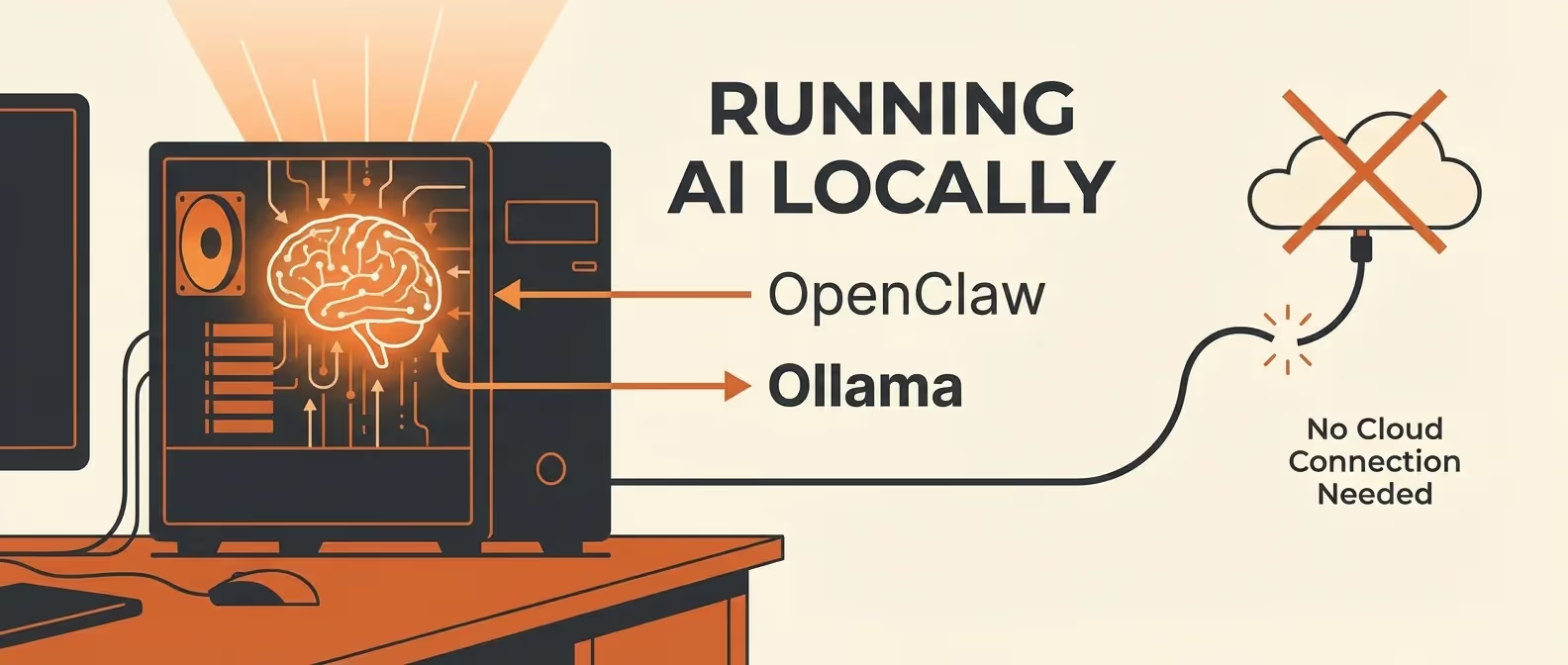
How to Use OpenClaw with Ollama
Set up OpenClaw with Ollama to run large language models entirely on your local machine. No API keys, no cloud costs, complete privacy. Covers model selection, GPU acceleration, and performance tuning.
Bomb Blog
Hands-on guides to self-hosted and open tooling, mostly OpenClaw: install it, secure it, and wire it into what you already use. 10 articles, newest first.
Set up OpenClaw with Ollama to run large language models entirely on your local machine. No API keys, no cloud costs, complete privacy. Covers model selection, GPU acceleration, and performance tuning.
Harden your OpenClaw self-hosted AI assistant against prompt injection, unauthorized access, and data leaks. Covers sandboxing, access controls, audit logging, and VPN integration.
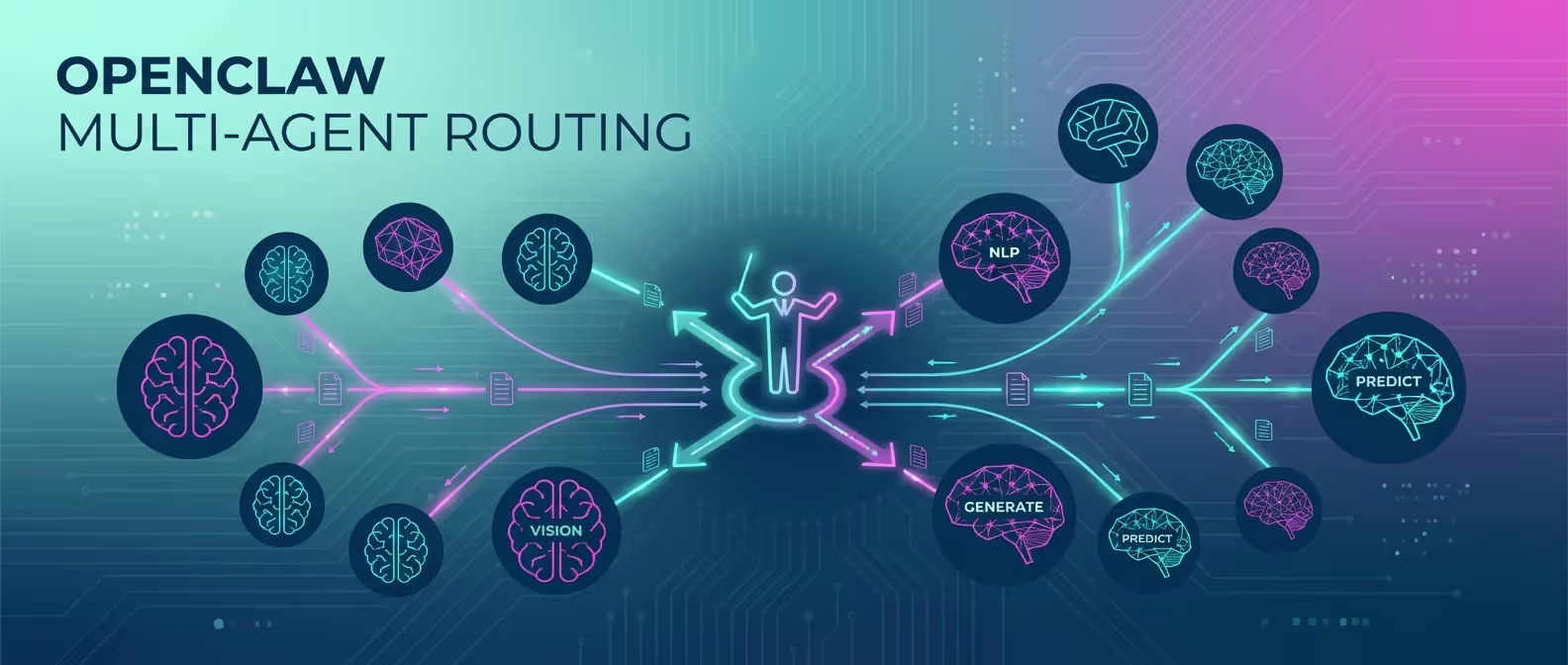
Learn how to configure OpenClaw multi-agent routing to use different AI models for different tasks. Route coding questions to Claude, creative writing to GPT, and research to Gemini - all from one gateway.
Build a Discord bot powered by OpenClaw that moderates channels, answers questions, generates code, and automates server management - all self-hosted on your own infrastructure.
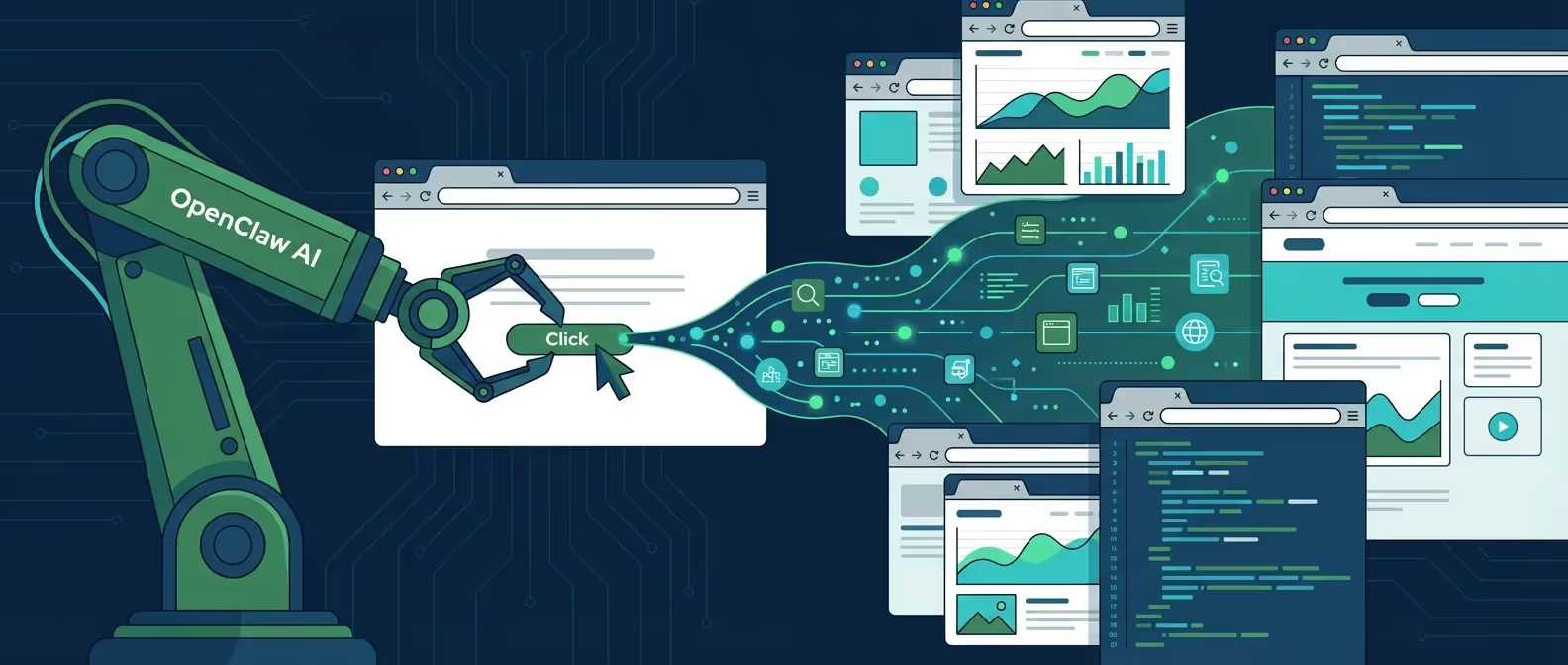
Learn how to use OpenClaw browser automation to scrape websites, fill forms, take screenshots, and automate repetitive web tasks - all from your messaging app.
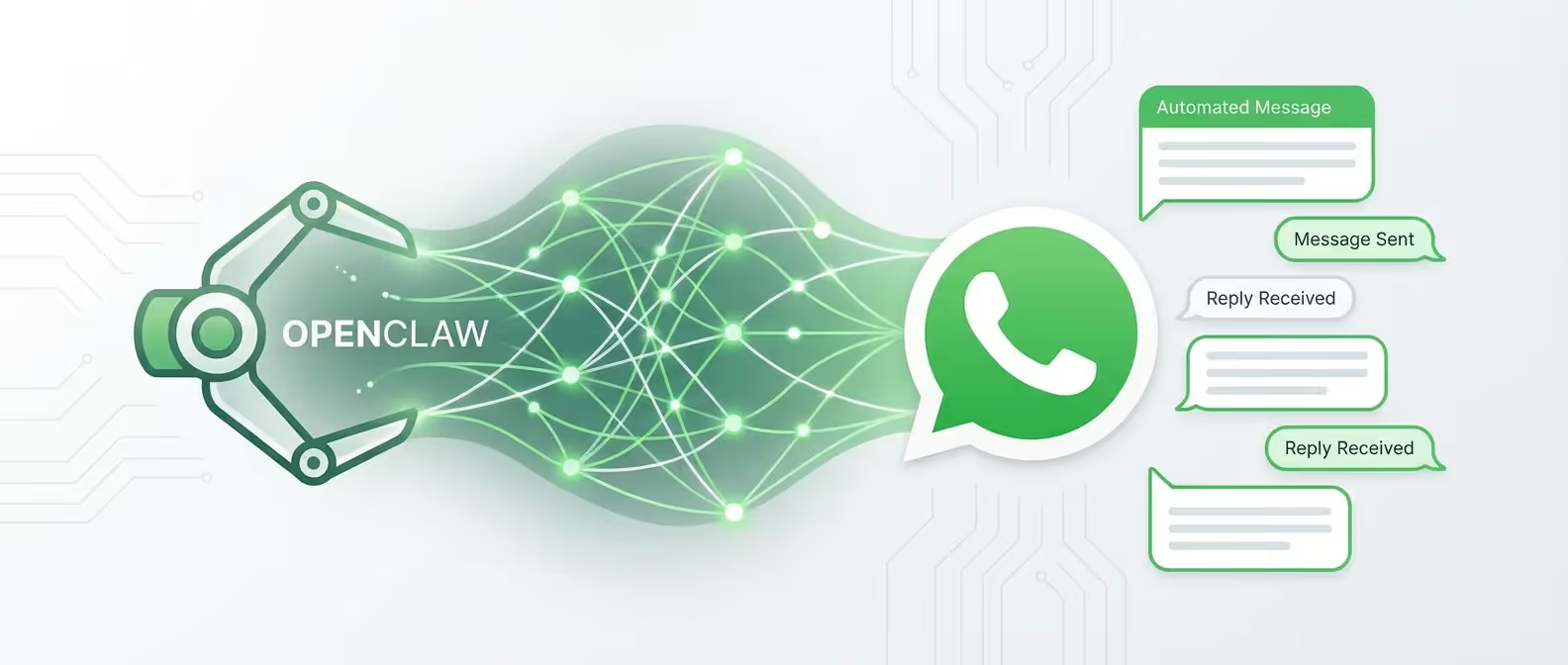
Step-by-step tutorial for integrating OpenClaw with WhatsApp. Learn how to configure the WhatsApp Business API bridge, authenticate your account, and automate conversations with your self-hosted AI.
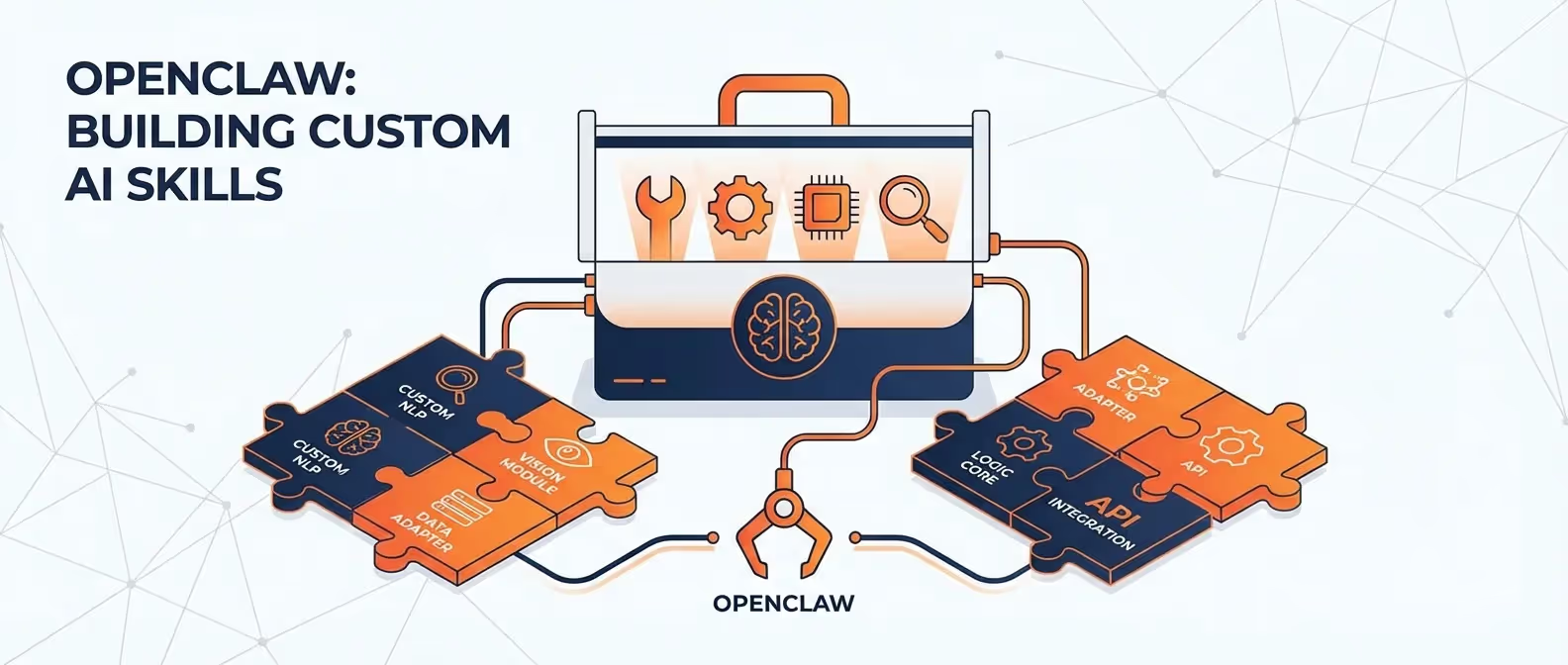
Learn how to create custom skills for OpenClaw that extend your AI assistant capabilities. This tutorial covers skill file structure, trigger configuration, tool chaining, and real-world use cases.
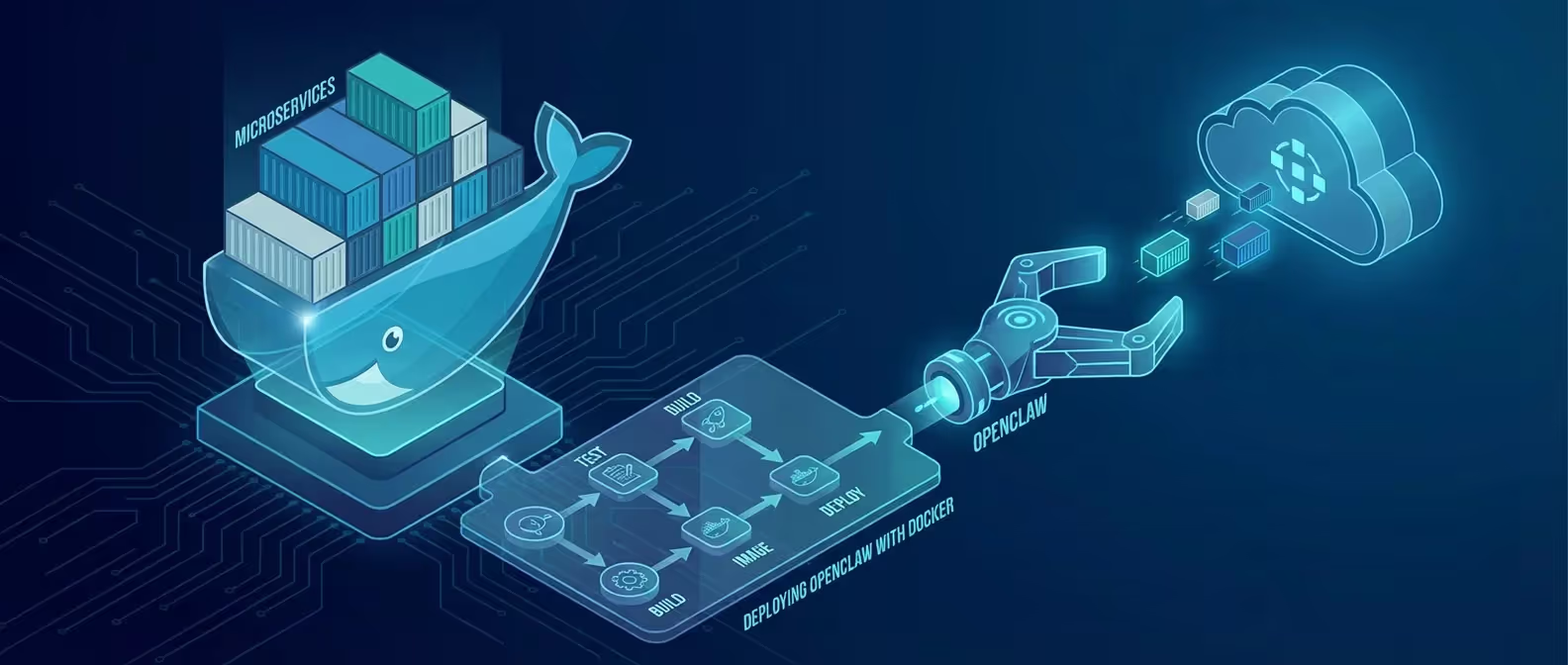
Deploy OpenClaw in a Docker container for maximum security and portability. This guide covers Dockerfile creation, Docker Compose configuration, volume management, and production hardening.
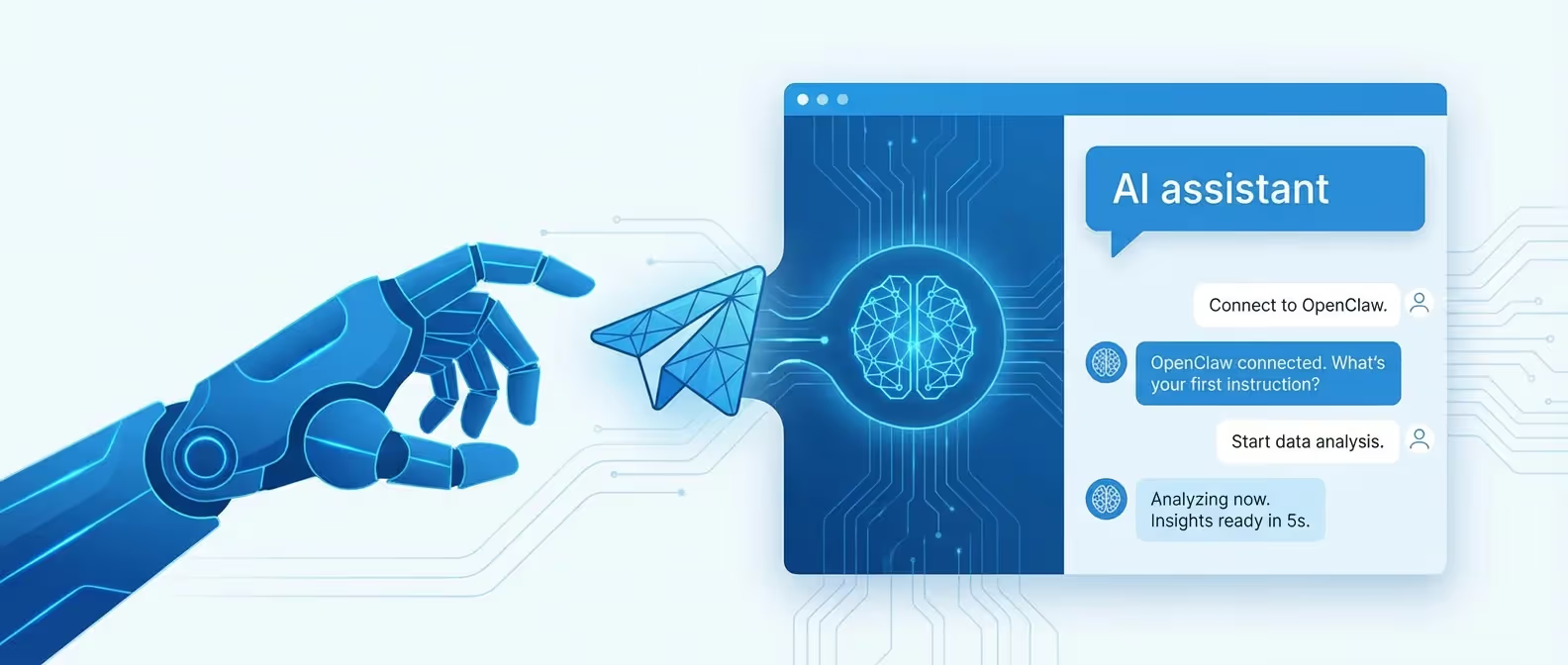
Learn how to set up a Telegram bot powered by OpenClaw. This step-by-step tutorial covers BotFather setup, channel configuration, message handling, and advanced automation triggers.
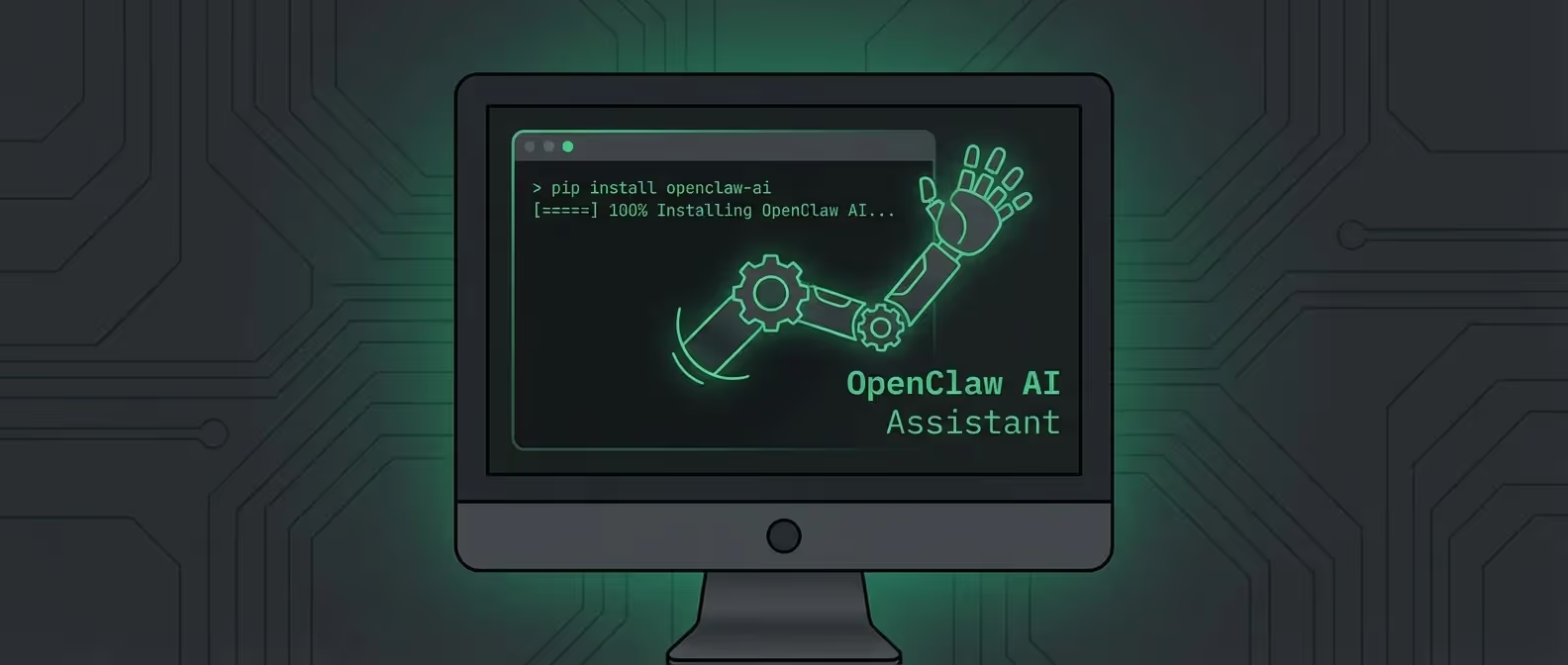
A comprehensive, step-by-step guide to installing OpenClaw - the self-hosted AI assistant gateway - on macOS, Windows (WSL2), and Linux. Includes Node.js setup, NPM install, and first-run onboarding.
Tell us about your project. We reply within one business day.