
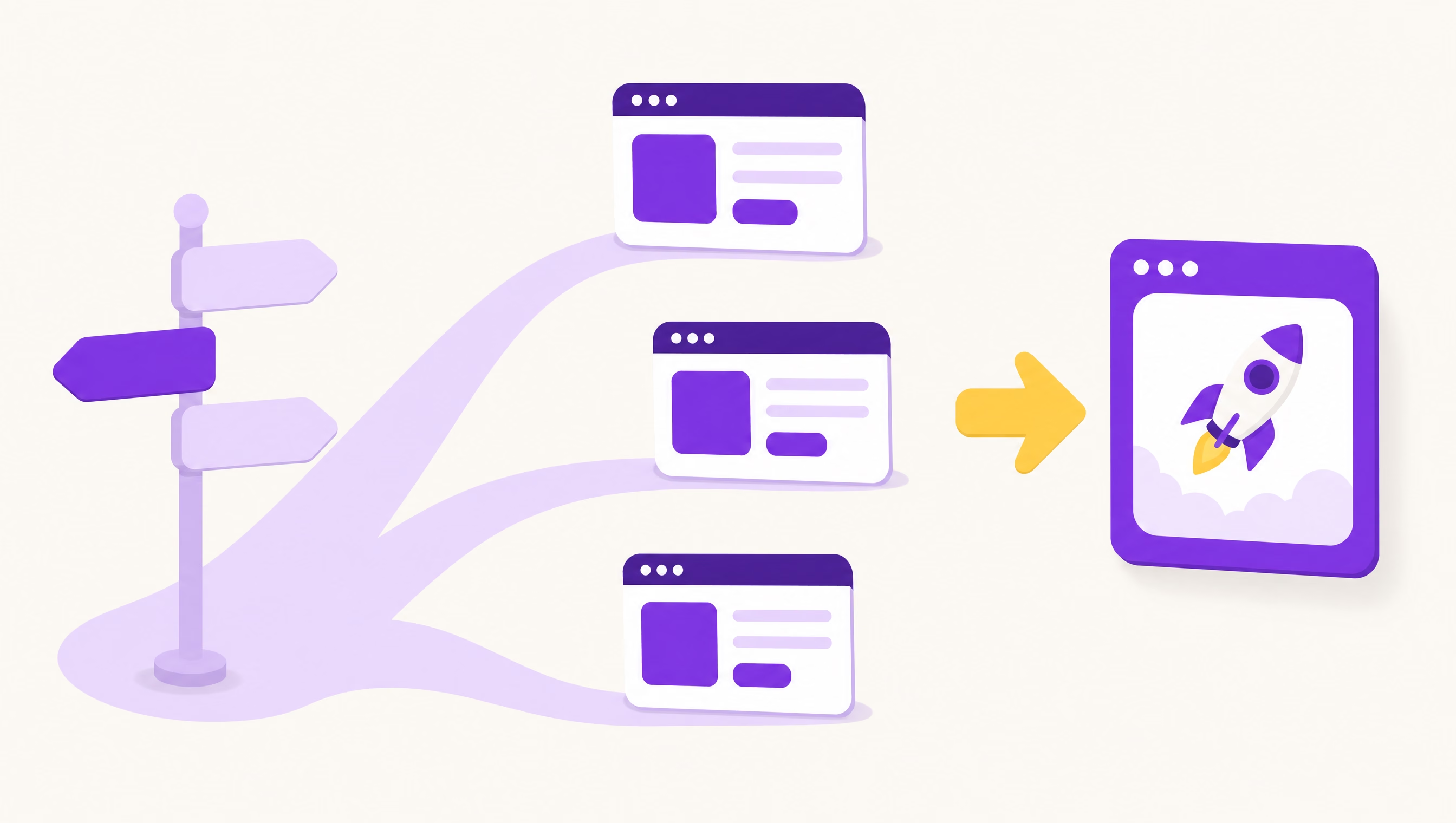
The best WordPress alternative depends on what is actually hurting. If your site is slow, insecure or expensive because of plugins, a fast static or edge-hosted build (like Astro) usually fixes all three. If you just want to stop fiddling, a hosted builder like Squarespace, Wix or Shopify works. And if your WordPress site is lean, well hosted and kept updated, you may not need to leave at all.
WordPress isn’t the villain. The trouble is what piles up around it over five or ten years: plugins, patches, page builders, and a hosting bill that keeps creeping up. Here are the real options in 2026 and how to tell whether moving is worth it.
Is WordPress still a good choice in 2026?
For a lot of sites, yes. W3Techs tracks WordPress on roughly 40% of all websites and well over half of every site that uses a known content management system. That popularity is a real advantage: every developer knows it, every host supports it, and almost any feature has a plugin. It’s also why attackers pay so much attention to it.
WordPress is a sensible choice to keep when:
- Your site has a modest number of well-maintained plugins (single digits, not dozens).
- You are on a decent managed host that handles updates and backups.
- Your team publishes often and genuinely likes the editor.
- Your pages already load quickly on a phone.
If that describes you, the money you’d spend moving is probably better spent on content, reviews, or ads.
The four pain points that push people off WordPress
1. Plugin sprawl
A contact form plugin, a slider, a page builder, an SEO plugin, a caching plugin to make up for the page builder, a security plugin to watch the other plugins. Each one is code written by a different team, updated on a different schedule. Over time they conflict, slow the site, and make every update a small gamble.
2. Security patching
Plugins are where most WordPress risk lives. Patchstack’s State of WordPress Security in 2026 report counted 11,334 new vulnerabilities in the WordPress ecosystem during 2025, a 42% jump over 2024. Of those, 91% were in plugins and 9% in themes, while WordPress core had only a handful of low-priority issues. Nearly half (46%) had no fix available from the developer when they were made public, and the report says roughly half of high-impact vulnerabilities were exploited within 24 hours.
The takeaway isn’t “WordPress is unsafe.” It’s that a WordPress site is only as safe as its least-maintained plugin.
3. Page speed
Speed affects both rankings and whether a visitor waits around. The HTTP Archive Web Almanac 2024 CMS chapter found that 40% of WordPress sites passed all three Core Web Vitals on mobile, compared with 57% for Wix and 60% for Squarespace. A heavy theme plus a page builder plus a dozen plugins is the usual culprit.
4. Hosting and maintenance cost
Cheap shared hosting struggles with a plugin-heavy site, so owners upgrade to managed hosting, then add a premium security plugin, then a maintenance plan. None of those are unreasonable on their own. Together they can cost more each year than the site is worth to the business.
WordPress alternatives compared
Here’s how the main paths stack up for a typical small-business site (a service business, clinic, trade, or small shop). Costs are deliberately described in broad terms because vendor plans change often; check current pricing before you commit.
| Stay on WordPress (managed host) | Hosted builder (Squarespace, Wix, Shopify for stores) | Headless CMS + static or edge site (e.g. Astro) | Fully custom application | |
|---|---|---|---|---|
| Monthly cost | Moderate: hosting, premium plugins, maintenance | Low to moderate: one subscription, more for apps and store features | Low hosting; you pay up front for the build | Highest: development plus ongoing support |
| Who maintains it | You or your agency: core, theme and plugin updates | The platform handles the software | Your developer; very little to patch | Your developer, always |
| Speed | Varies widely; depends on theme and plugins | Usually decent, limited control | Typically very fast; pages are prebuilt and served from the edge | Depends entirely on the build |
| Security exposure | Highest: plugins and the admin login are public targets | Low for you; the platform carries it | Very low: no public database or admin login on the live site | Depends on the build |
| Editing experience | Familiar, flexible, can get messy | Easiest drag and drop | Clean, structured fields; less freeform | Whatever is built for you |
| Lock-in | Low: you can move hosts or export content | High: designs and apps don’t move with you | Low: you own the code and content | Low if you own the code |
A few notes on each.
Managed WordPress is the “fix it without moving” option. A good host plus a disciplined plugin list solves a lot of problems. It does not change the fact that someone still has to patch it.
Hosted builders are great when the owner wants to make changes themselves and the site is simple. The trade-off is lock-in and a ceiling on customization. Shopify is the clear pick if online sales are the point of the site. We compare builders against custom work in more depth in custom web design vs Wix and Squarespace.
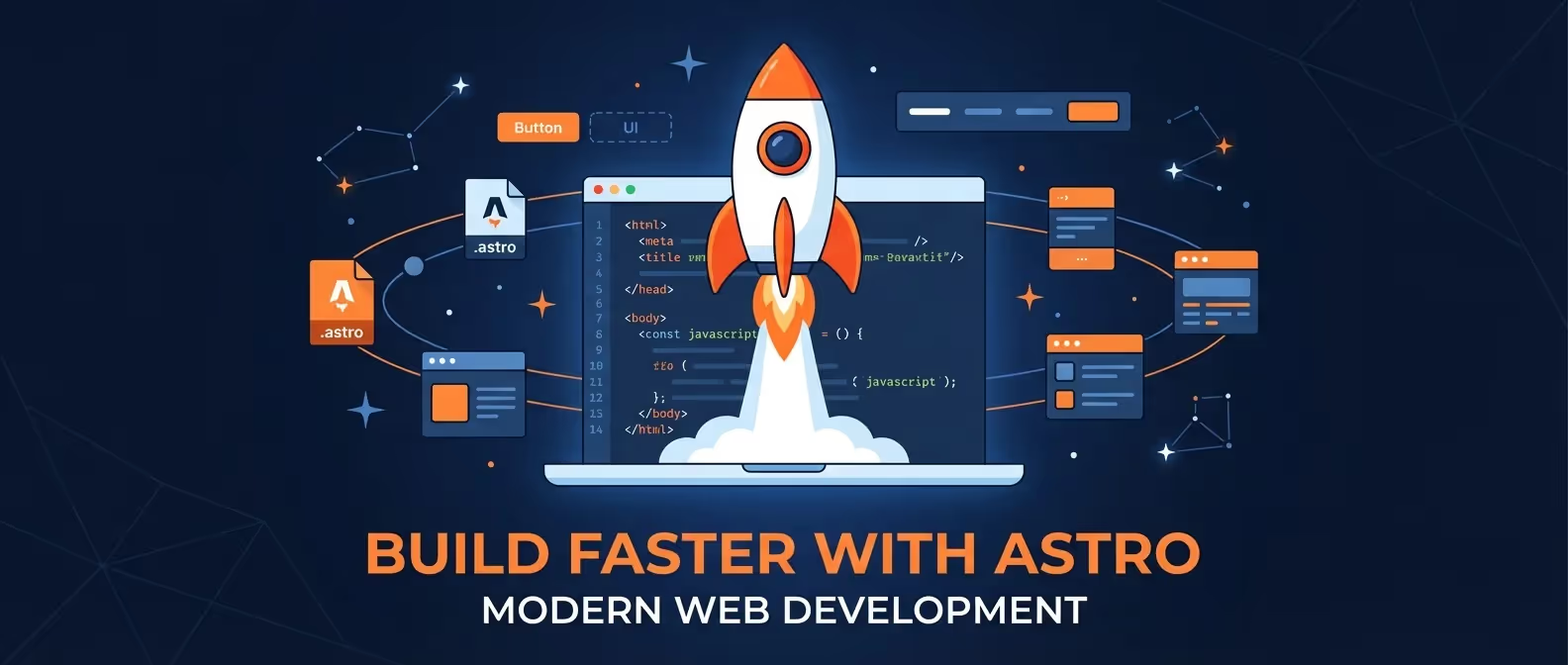
Headless CMS plus a static or edge site separates the editing tool from the website visitors see. Content lives in a CMS (or simple files), and a framework like Astro builds fast pages that ship very little JavaScript by default. There is no WordPress admin or plugin stack on the live site to attack. If the term is new to you, our headless CMS vs traditional CMS guide explains it in plain language.
Fully custom makes sense when the website is really an application, like a customer portal or quoting tool. It’s overkill for a five-page brochure site.
WordPress vs Astro: what changes for you
This is the comparison we get asked about most, because it’s how TheBomb® builds. Our sites run on Astro and Cloudflare, so here’s an honest view of what changes when you move.
What gets better:
- No plugins to update and no public admin login to brute-force.
- Pages are fast because most of the work happens before anyone visits.
- Hosting on a global edge network is inexpensive and holds up during traffic spikes.
- You own the code. Nothing is rented from a builder.
What gets different:
- You won’t install a plugin to add a feature. New features are built, which is usually cleaner but means talking to your developer.
- Editing is structured: you fill in fields or write in a simple editor rather than dragging blocks around a page. Most owners like this once they’re used to it, but it’s a change.
- If you publish many posts a week with several editors, plan the editing workflow carefully before you move.
A real example: Monashee Garage Doors
Monashee Garage Doors is a family-run garage door company in Armstrong, BC. We replaced their WordPress site with an Astro build on Cloudflare Workers, organized around the three jobs customers call about: new installations, repairs, and maintenance. A call, text, or book online dock sits on every page, and online requests go straight into the company’s Jobber client hub.
The part of the move that matters for anyone leaving WordPress: we set up 301 redirects from the old site’s URLs, so links and search rankings pointing at old pages land on the right new ones. That step is easy to skip and expensive to forget.
Should I leave WordPress? A quick checklist
Count how many of these are true for your site:
- You have more than 15 or 20 active plugins, and you’re not sure what half of them do.
- Updates regularly break something, so you’ve stopped doing them.
- Your site has been hacked or flagged in the last few years.
- Your pages take more than a few seconds to load on a phone.
- You pay for hosting, premium plugins, and maintenance, and the total surprises you.
- The site needs a redesign anyway.
- Nobody on your team actually enjoys editing it.
Zero to two: stay on WordPress. Clean up plugins, move to a better host, and put the savings into marketing.
Three or four: get an honest audit before deciding. Sometimes a cleanup is enough.
Five or more: moving is likely worth it, especially if you were going to redesign anyway. Doing both at once costs less than doing them separately.
How to move off WordPress without losing rankings
If you decide to go, the migration matters as much as the destination.
- Crawl and list every URL on the current site, including blog posts and images that get search traffic.
- Export your content so nothing is retyped by hand.
- Map every old URL to a new one and set up 301 redirects. Google’s site move guidance walks through this and is worth reading even if your developer handles it.
- Carry over titles, meta descriptions and structured data for your important pages.
- Launch, submit the new sitemap in Search Console, and watch for crawl errors over the following weeks.
FAQ
What is the best WordPress alternative for a small business?
It depends on the problem you’re solving. For owners who want to do everything themselves, Squarespace or Wix is the simplest path, and Shopify is the best fit for online stores. For a fast, low-maintenance site you own outright, a static or edge build with a framework like Astro is the strongest option.
Is Astro better than WordPress?
For brochure, service and local business sites, Astro is usually faster and far less work to keep secure, because there are no plugins or public admin panel on the live site. WordPress is still more convenient if many people publish content daily and want a huge plugin library. Neither is better for everyone.
Will I lose my Google rankings if I leave WordPress?
Not if the move is done properly. The keys are 301 redirects from every old URL, keeping your page titles and content intact, and submitting the new sitemap. Rankings often wobble for a few weeks after any site move, then settle.
Is WordPress safe to use in 2026?
WordPress core is well maintained, and most risk comes from plugins and themes. Patchstack’s 2026 report found 91% of new WordPress vulnerabilities in plugins. Keep plugins few, updated, and from active developers, and WordPress can be run safely.
How much does it cost to move off WordPress?
It depends on how many pages and features you have. At TheBomb®, website projects start at $2,000 and typically land between $3,000 and $25,000, with a typical timeline of 4 to 6 weeks.
What we’d do
Start by figuring out what is actually wrong. If it’s speed, security or cost, a rebuild on a modern stack usually solves all three at once. If it’s just a few bad plugins, a cleanup may be enough, and we’ll tell you that.
- See how we build fast, low-maintenance sites on our web design page.
- Want someone else to handle updates and hosting? Look at maintenance and hosting.
- Not sure where you stand? Get in touch and we’ll give you an honest read on whether leaving WordPress is worth it for your business.